
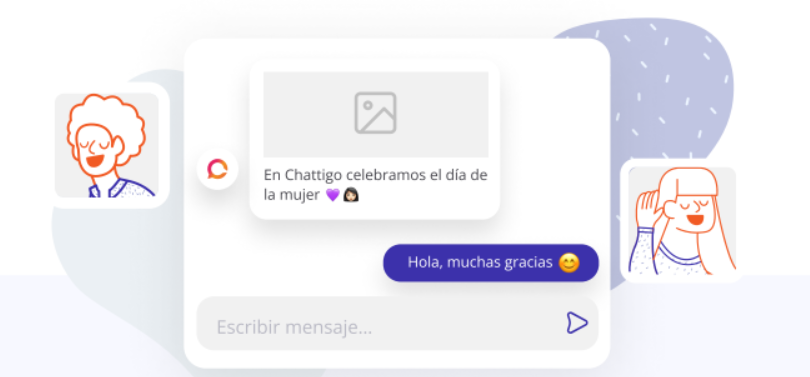
Both, the agent and the supervisor, can send templates with text, image, video and file type headers. You can use these templates in the "Outbound" section of the platform.
Remember:
Templates with multimedia content must be pre-created and approved by Meta before being sent.
Features:
Configure your multimedia type template in our Outbound section.
Check out what's new for you 👇
New search engine:
If you have many templates, don't worry!
Use the search engine to choose the template with multimedia.

Multimedia header:
If you choose a template with a multimedia type header, you can either upload the
image, video or file from your PC or place a direct link to the content (a valid link).
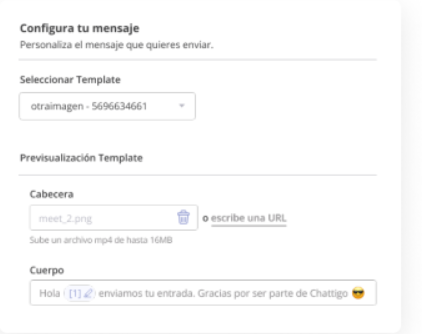
Please note 📝
You can upload mp4, 3GPP videos up to 16MB, JPG, PNG images up to 5MB, and PDF files up to 20MB.
And valid links (those that directly open the multimedia).
Text type header:
If you choose a template with a text type header next to a variable, you will need to
set the variables as you would normally do.
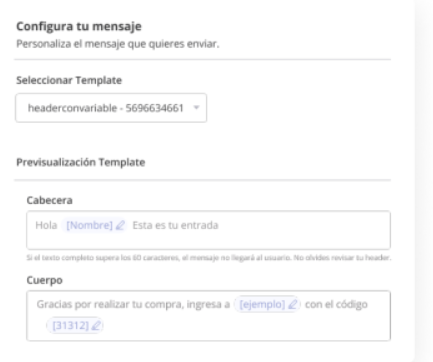
Remember 🚨
The full text of the header must be a maximum of 60 characters, otherwise the message will not reach the message recipient.
Preview:
Preview your multimedia content before submitting templates.
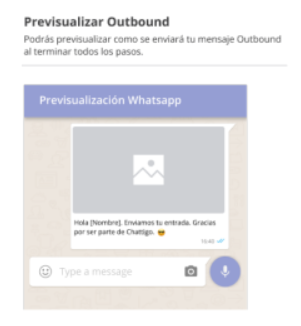
Please note: If the header is of file type only one image will be displayed by default.

And that's it!
You can now select your advanced templates and send them to your clients.
Please note: For now the emojis of the templates are not visible from the agent but they will reach your
they will arrive without problem to your contacts. 😀👍
Important: Templates have a maximum of 1000 characters (Remember that, internally, each emoji absorbs up to three characters, as well as links absorb more characters. Therefore, in case the template contains multimedia headers and/or buttons, we recommend not to exceed 600 characters in the text).