Download your Do Not Disturb list to clean your base and not affect the quality of your WhatsApp channels.
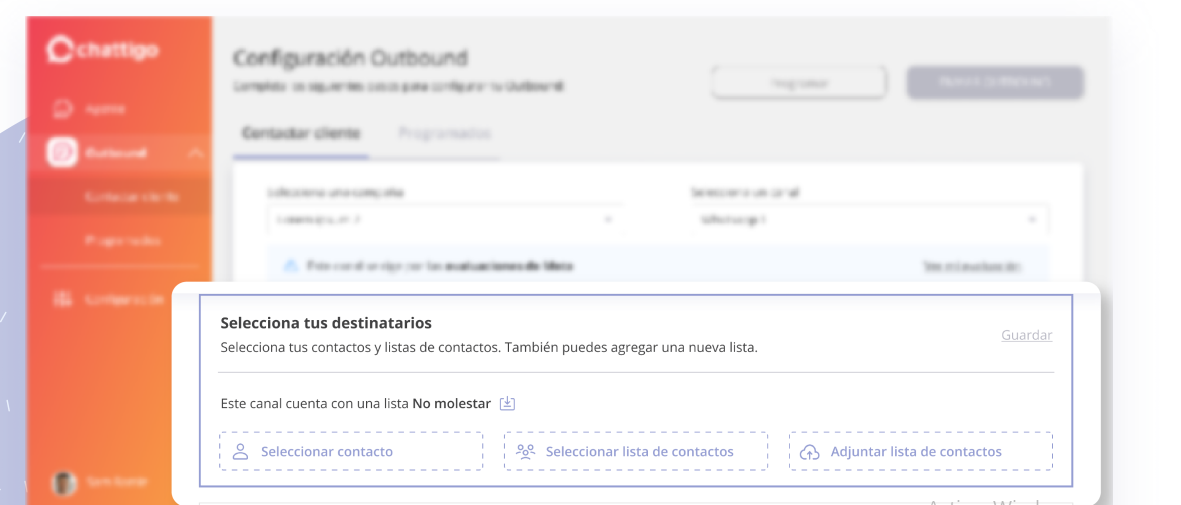
Now both, agents and supervisors, will be able to download the list of customers who do not want to receive any more marketing messages.
This way they can clean the customer database to avoid spam and/or blocking.
Send templates with quick response buttons that include "Stop promotions", the opt-out button preconfigured by Meta.
If the customer clicks on it, the contact will be saved in the "Do Not Disturb" list.

Remember: In order to be sent, templates with quick response buttons must be created and pre-approved by Meta.
If there are Do Not Disturb contacts in the selected campaign and channel, the warning message "This channel has a Do Not Disturb List" will be activated.
You can click on the  icon to download the detail.
The file is downloaded in XLSX format and contains the following data:
Client: Customer name or identifier.
Campaign: Name of the campaign.
DID: Channel through which the HSM was sent.
Template: Template name.
Reason: Text of the button clicked.
Recipient: Number of the recipient.
CRM: Check if it is CRM or not.
Send date: Inbound send date.

It is key to satisfy the needs of customers who no longer wish to receive messages.
Always keep your Do Not Disturb List up to date for an orderly and satisfactory service to your customers.